Lyrics extension for your browser
Follow the lyrics. Understand the song.
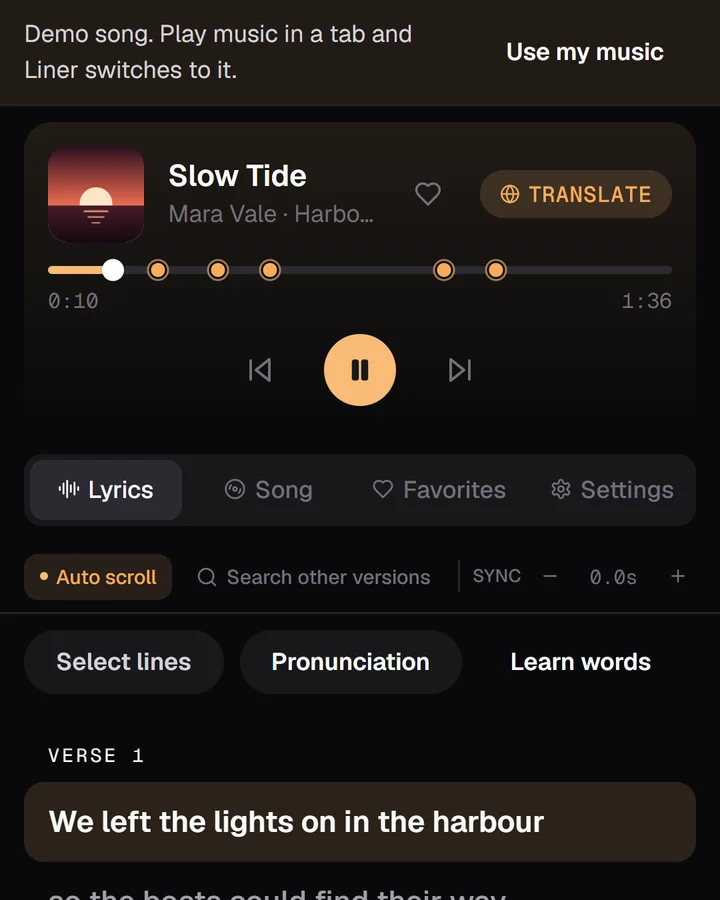
Synced lyrics, translations and meanings — docked beside the music you already play.
01 Follow
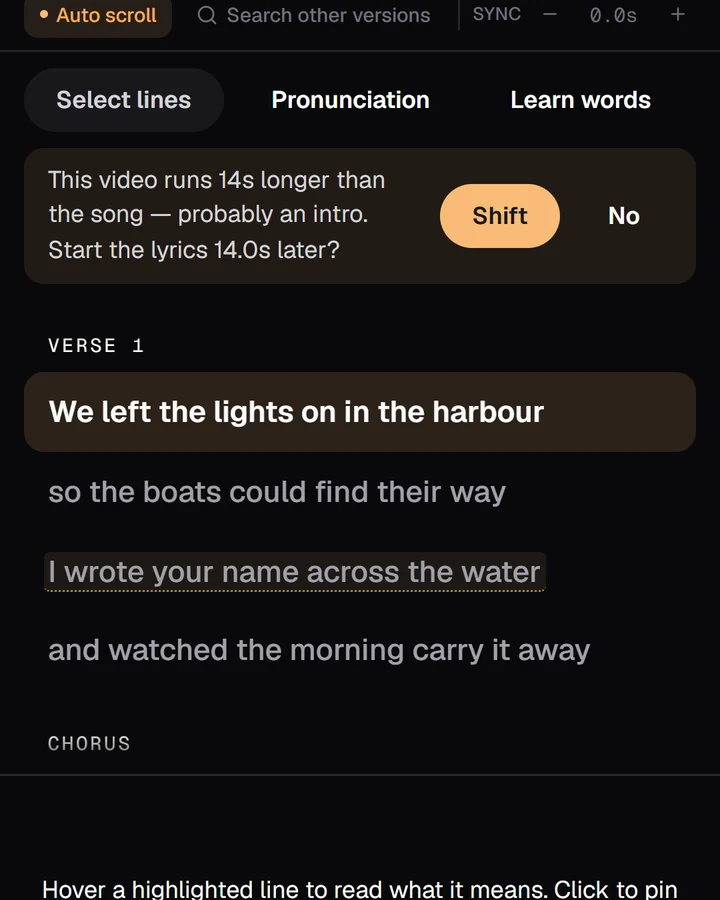
Lyrics that keep time.
Right now, your scroll is the playhead.
02 Understand
Read it in your language.
100+ languages. Meanings one tap away.
03 Loop
Loop the verse you're learning.
Loop any lines and slow them down on YouTube and YouTube Music.
04 Keep
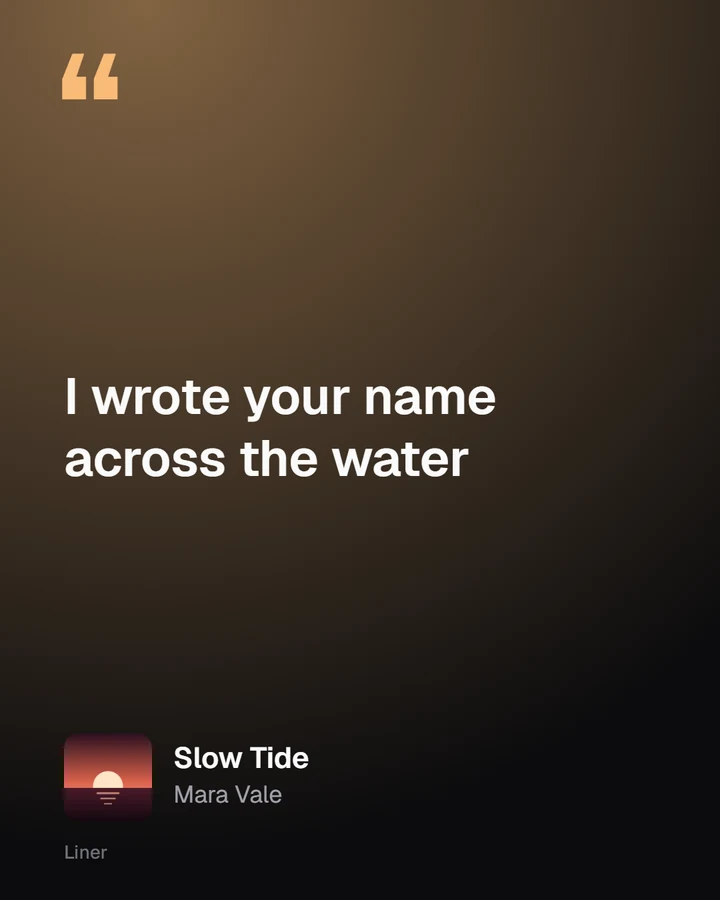
Keep the line that got you.
“I wrote your name across the water”
Slow Tide · Mara Vale · 0:49“星になって 空を渡る”
Hoshi no Michi · Night Platform · 1:12“donde empezó nuestra canción”
Ciudad Dormida · Casa Lumbre · 0:58On a real song
This is what it looks like.
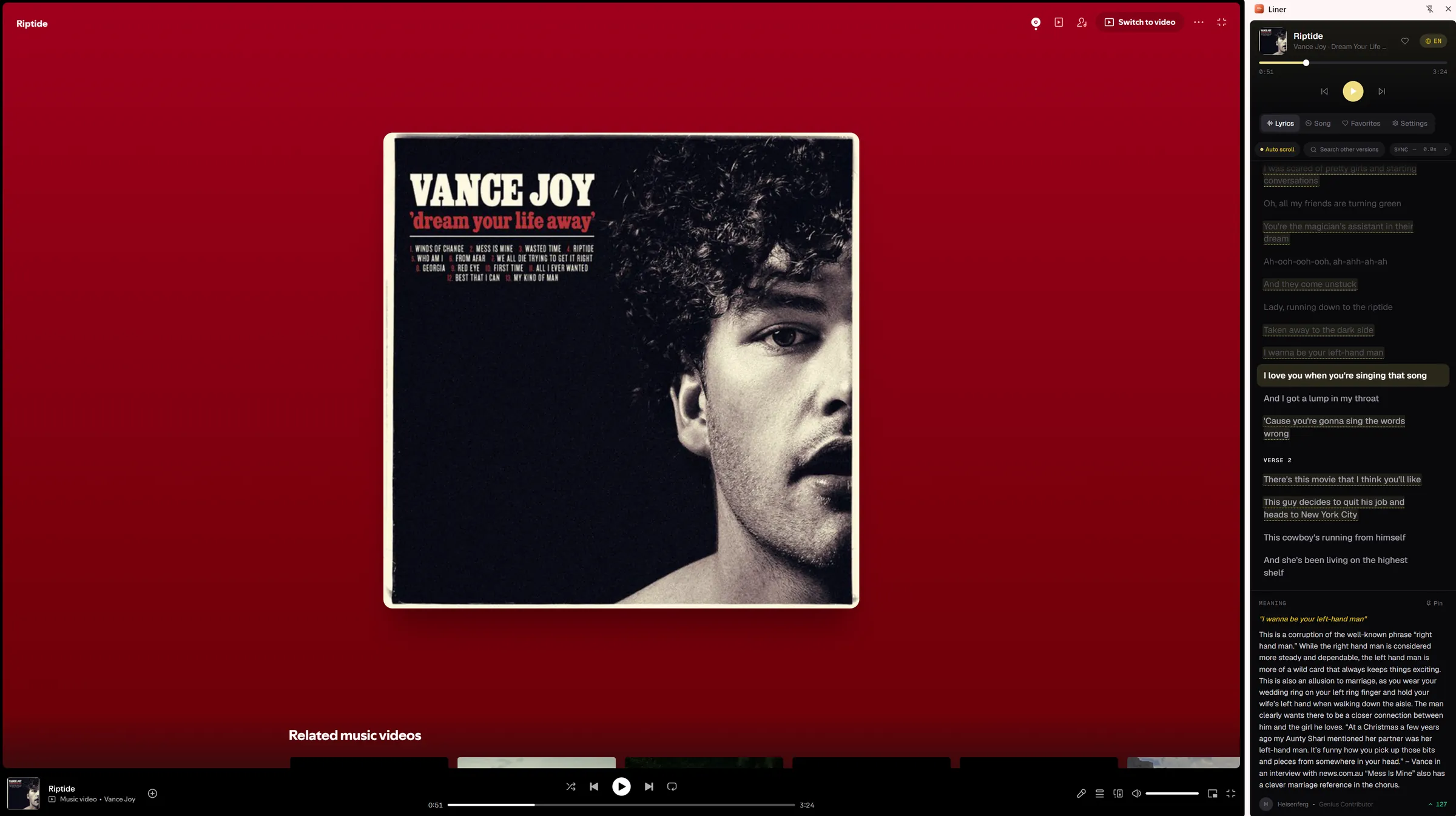
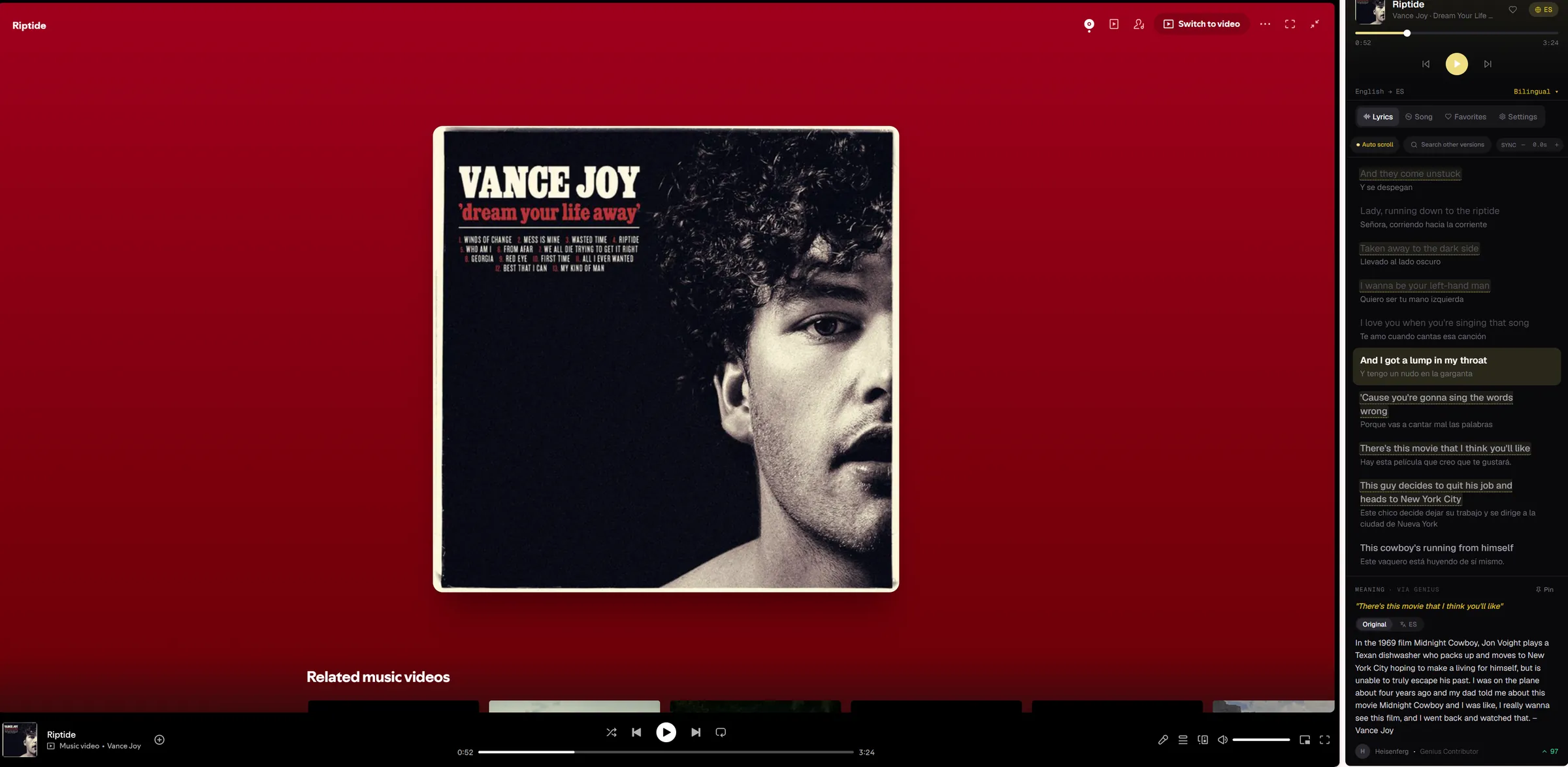
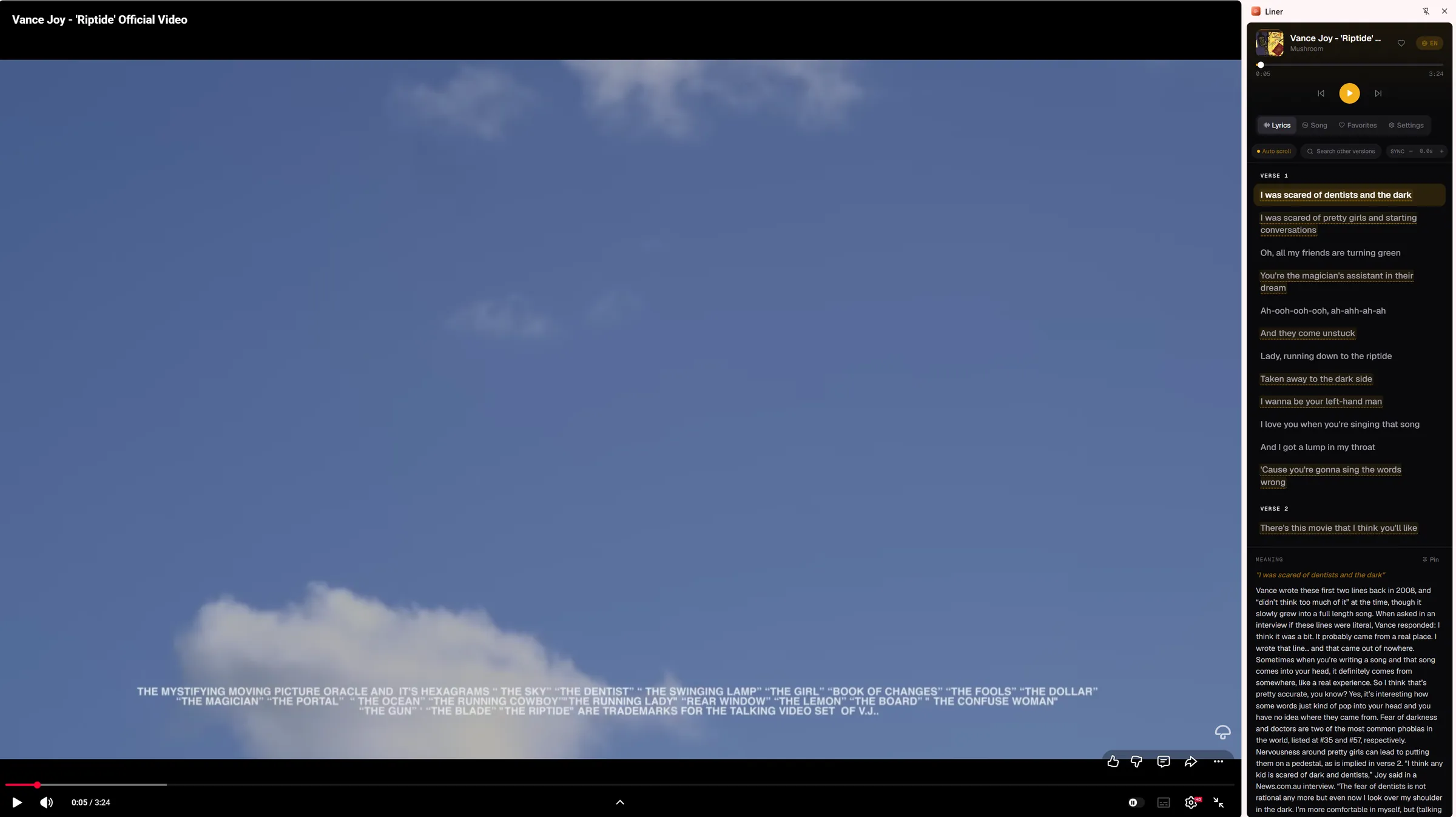
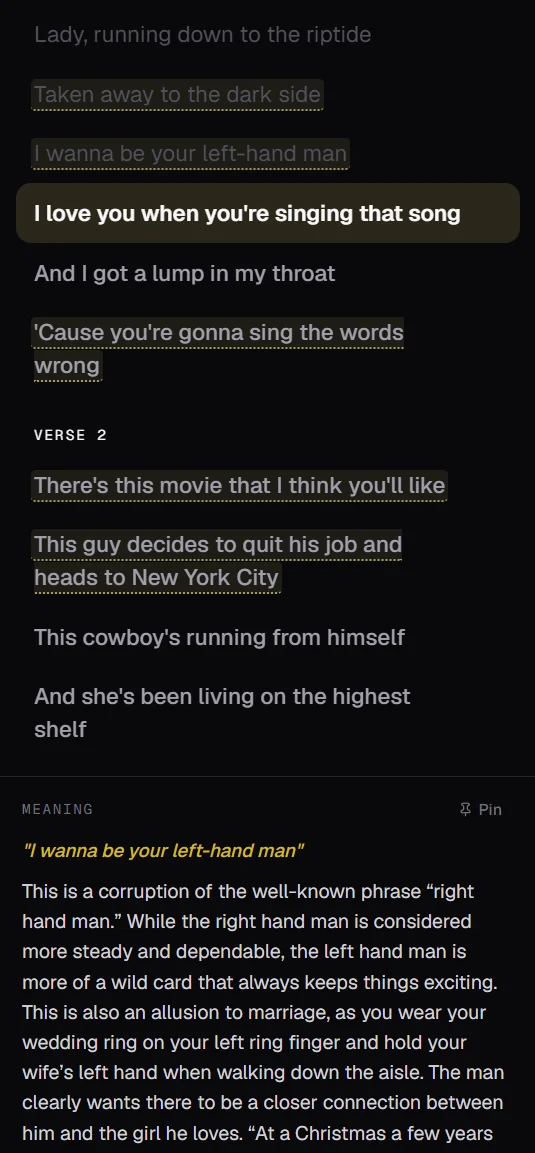
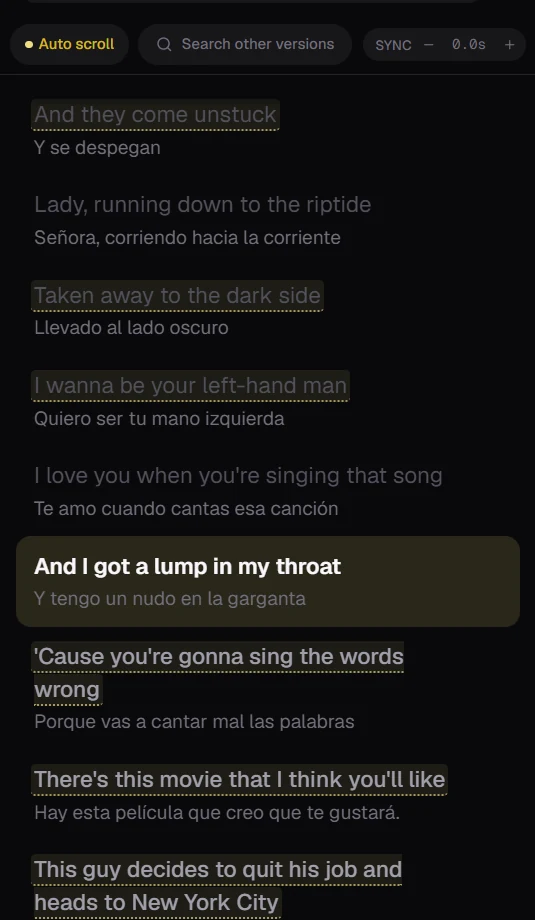
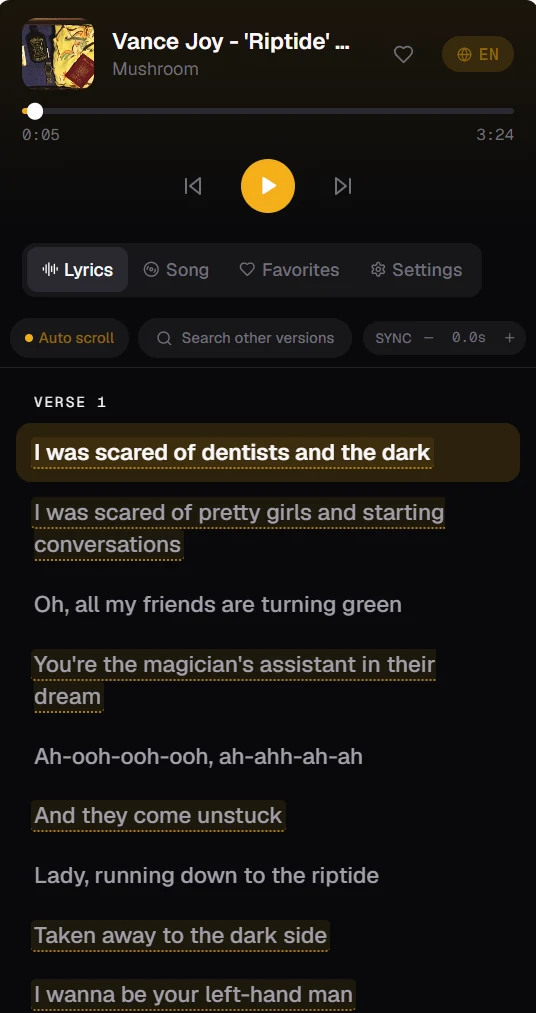
Every screen
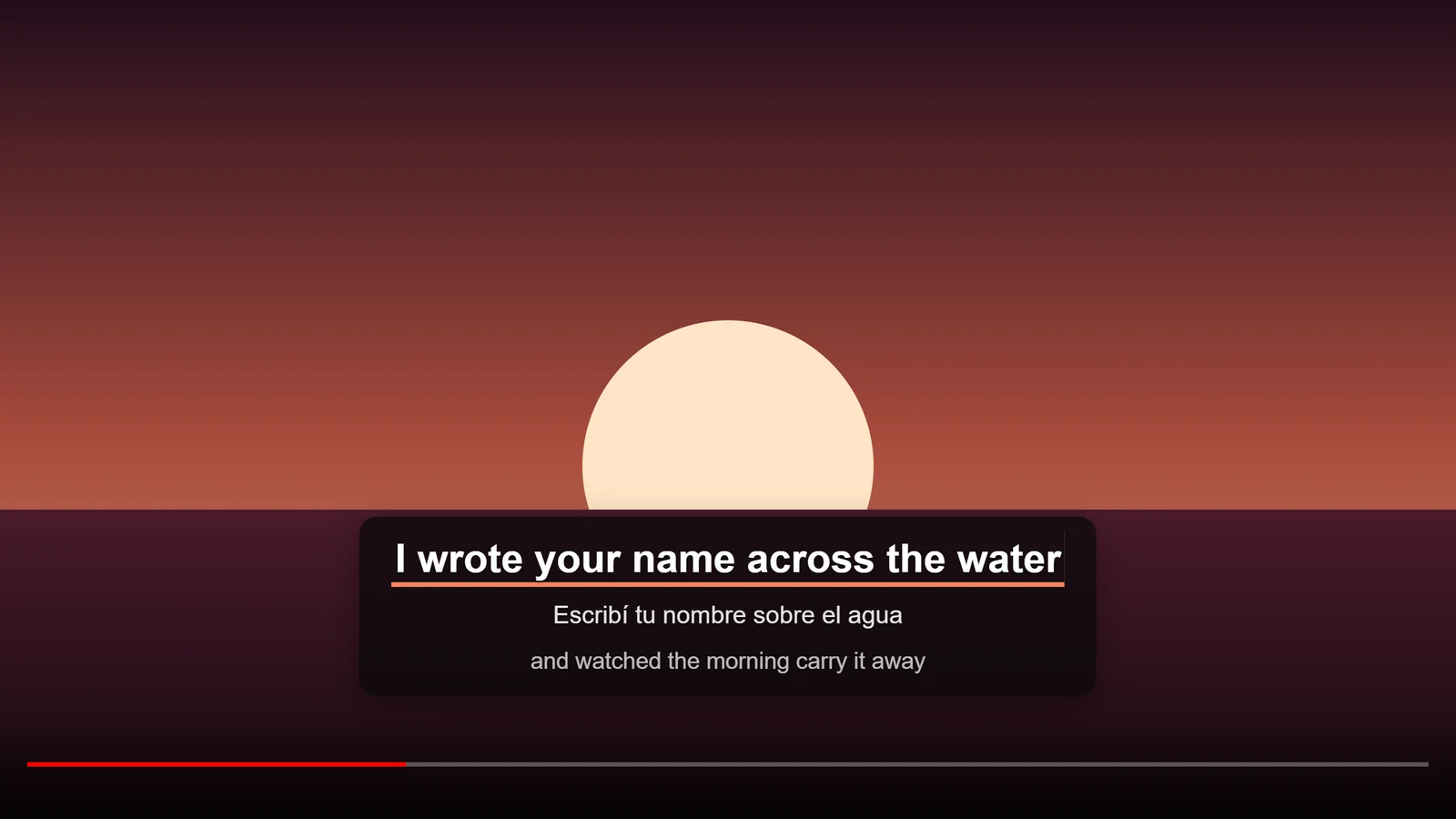
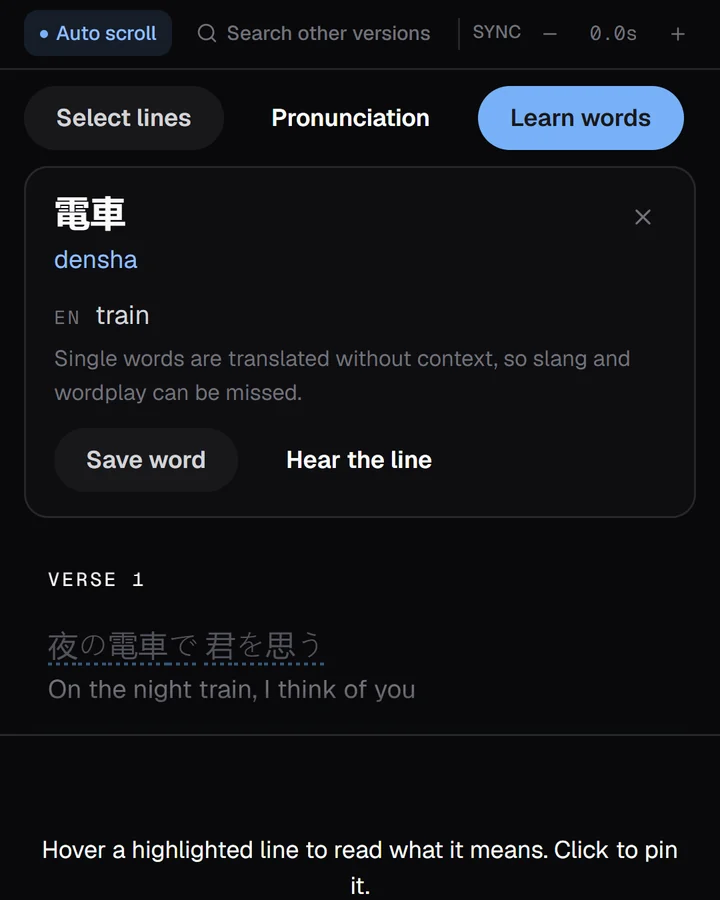
See it in motion.
New
Watch, learn, share.
Keyboard shortcuts
- AltShiftSSave the line
- AltShiftLLoop it
- AltShift,.Nudge the timing
Try it
Pick a song. Pick a language.
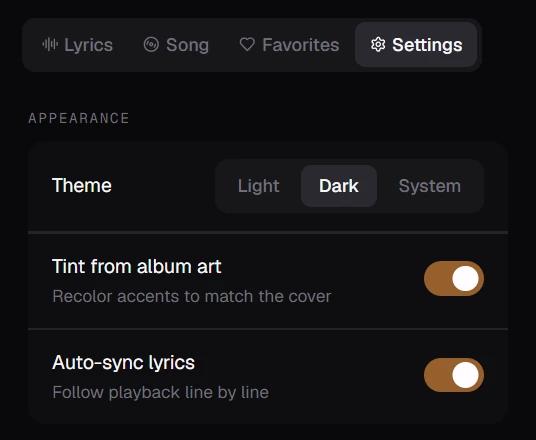
Liner takes its colour from the cover. Tap one.
Demo songs and translations were written for this page. In Liner, translations come from Google Translate or MyMemory, and romanisation of non-Latin lyrics from Google.
Where it works
Beside the music you already play.
- YouTubeLoop · speed
- YouTube MusicLoop · speed
- Spotify
- Apple Music
- SoundCloud
- Tidal
Your music, your browser
Nothing to sign up for.
Set up
Three steps, about a minute.
- 1
Add to Chrome or Firefox
No account.
- 2
Click Liner beside your music
The side panel opens.
- 3
Allow the site, press play
Asked once per site — never at install.
FAQ
Questions people ask.
Why aren't some lyrics synced?
Timed lyrics come from providers, and not every song has a timed version. When there isn't one, Liner shows plain lyrics instead. Following along and looping need timed lyrics.
The lyrics are a little early or late.
Use the sync control above the lyrics to shift them. Music videos often have an intro the audio version doesn't — Liner remembers your adjustment for that video.
It found the wrong song.
Choose Search other versions and pick the right result. Liner remembers that match for the video, and you can remove remembered matches at any time.
Can I loop and slow down on Spotify?
Not yet. Looping a passage and changing practice speed work on YouTube and YouTube Music. Lyrics, translations and saved lines work on every supported site.
Which languages can I translate into?
More than 100, through Google Translate or MyMemory. Read bilingual — original and translation together — or translation only. Romanisation helps you follow supported non-Latin scripts.
Does Liner see my browsing?
No. It reads the now-playing title, artist, artwork and position on music sites you allow — nothing else, and no other tabs. There are no ads, analytics or trackers. Privacy policy.
Can I see the lyrics in fullscreen?
Yes, on YouTube and YouTube Music. Turn on Lyrics on video and the current line (and its translation) appears over the player, fullscreen included.
Is the lyric window always on top?
No. It's a separate, resizable browser window that follows its music tab; your system decides what sits on top.